Understanding QR Codes and Their Functionality
QR Codes, or Quick Response Codes, have transformed how we interact with digital content. These two-dimensional barcodes can store a variety of information, from URLs and contact details to payment instructions and product information. Their accessibility through smartphones and tablets allows users to obtain information instantly, making QR Codes an indispensable tool in marketing, payment systems, and more. Today, with the rising trend of contactless transactions and information sharing, understanding how to scan qr code efficiently has become crucial.
What is a QR Code?
A QR Code is a type of matrix barcode that consists of black squares arranged in a grid on a white background. Developed in 1994 by a Japanese company, Denso Wave, QR Codes were initially designed for tracking automotive parts. However, their usage has rapidly expanded across various sectors due to their versatility. Unlike traditional barcodes, QR Codes can encode a substantial amount of information, making them ideal for storing links, text, and other data types in a compact form.
How Does a QR Code Work?
QR Codes work by using a series of patterns within the grid to represent data. When scanned, a QR code reader decodes these patterns into usable information. The internal structure of a QR code consists of data modules which include timing patterns, alignment patterns, and format information, all crucial for precise scanning and decoding. This complex encoding allows QR Codes to be read quickly and accurately, even when damaged or partially obscured.
Common Uses for QR Codes
- Marketing and Advertising: QR Codes can link to websites, promotional videos, or special offers, making them an effective marketing tool.
- Payment Processing: Many mobile payment systems utilize QR Codes for quick and secure transactions.
- Event Ticketing: QR Codes are commonly used in electronic tickets for events, ensuring seamless entry and validation.
- Product Information: Retailers use QR Codes on product packaging to provide customers with additional information, reviews, or user instructions.
- Contactless Check-Ins: Hotels and restaurants have adopted QR Codes for contactless menus and check-in processes to enhance customer safety.
How to Scan QR Codes Efficiently
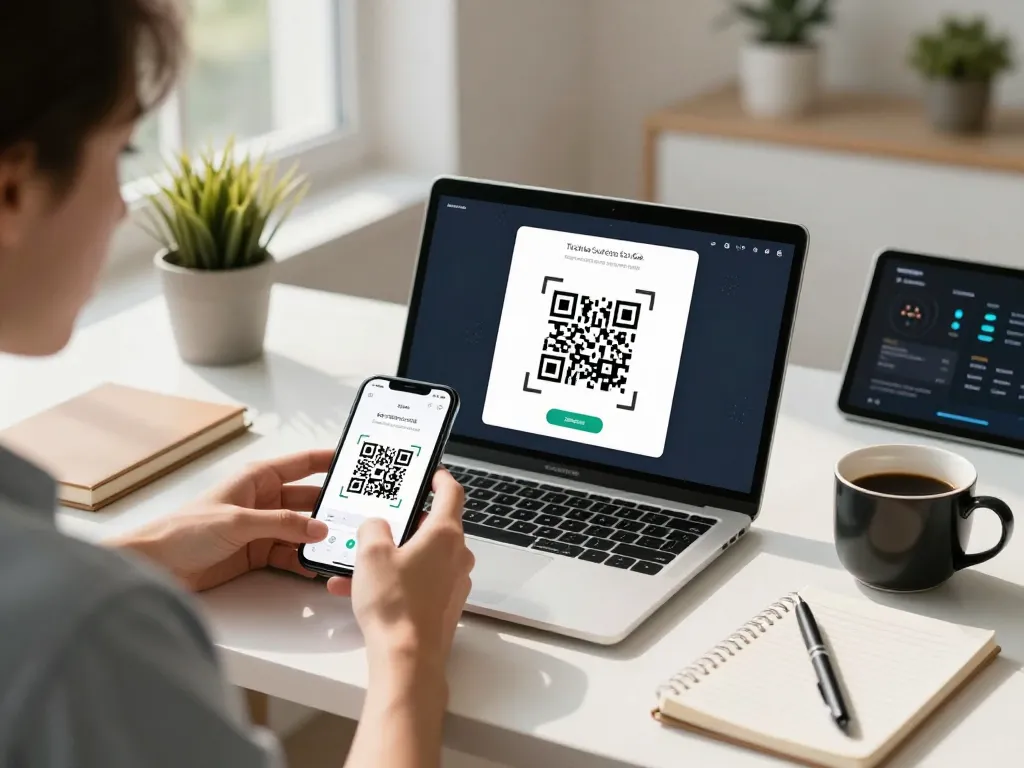
Scanning QR Codes is straightforward, especially with the right tools and understanding. With many options available, engaging with QR codes can be done through a simple online scanner. Here’s how to do it efficiently.
Steps to Scan QR Code Online
- Open your preferred web browser on a compatible device such as a smartphone, tablet, or laptop.
- Navigate to an online QR Code scanner service.
- Grant camera access when prompted, or select the option to upload a QR code image.
- Align the QR Code within the scanning area or upload the image, then allow the scanner to process.
- View the decoded information displayed, and take any further actions as necessary.
Compatible Devices for QR Code Scanning
Almost all modern devices are capable of scanning QR Codes. This includes:
- Smartphones (both Android and iOS)
- Tablets (such as iPads and Android tablets)
- Desktop computers with a webcam
- Laptops with integrated cameras
Using Our Online QR Code Scanner
Our online QR Code scanner is designed with user convenience in mind. It works seamlessly across all devices, requiring only a camera and an internet connection. You can scan QR Codes directly from your browser without any additional software installations. This feature makes it exceptionally user-friendly and efficient.
Benefits of Using Our QR Code Scanner
Choosing the right QR Code scanner can significantly enhance your user experience. Here are some compelling reasons to use our QR Code scanner:
Fast and Easy to Use
Our QR code scanner is designed for simplicity and speed. Users can easily access the tool online without the need for downloads, making it one of the fastest ways to scan QR Codes available.
Secure and Private Scanning Experience
We prioritize your privacy. All scanned data remains on your device. We do not track, store, or log your information, allowing you to use our service with peace of mind.
No App Installation Required
Unlike many QR code scanning services that compel users to download an application, our service requires no installations. This means less clutter on your device and instant access whenever you need to scan.
Addressing Common QR Code Scanning Issues
While scanning QR Codes is generally straightforward, users may encounter some common issues. It's important to know how to troubleshoot these effectively.
Why Isn't My QR Code Scanning Properly?
Several factors can impact the scanning success of a QR Code:
- The QR Code may be damaged or dirty.
- Your device’s camera may be out of focus.
- Insufficient lighting can hinder the scanner’s ability.
- The QR Code may be too small or distorted.
Safety Considerations When Scanning QR Codes
QR Codes can be used to redirect users to malicious websites or initiate harmful downloads. Therefore, always verify the source of a QR code before scanning, especially if it comes from unknown or untrustworthy sources.
What to Do If Scanning Fails?
If you continue experiencing issues, try the following steps:
- Ensure the QR Code is clean and intact.
- Check lighting conditions and adjust to improve visibility.
- Use a different device or scanner to troubleshoot compatibility issues.
- If possible, upload an image of the QR Code directly to an online scanner.
Future Trends in QR Code Technology
As we move further into 2026, QR Codes are set to play an even greater role across various sectors. Here’s what to expect.
Emerging Applications for QR Codes in 2026
We can anticipate innovative uses for QR Codes in areas such as:
- Healthcare: QR Codes for secure patient data access and remote health monitoring.
- Smart Cities: Integration of QR Codes in information kiosks for real-time public transport updates.
- Augmented Reality: QR Codes enabling access to interactive experiences via mobile devices.
Advancements in QR Code Scanning Technology
With the steady improvements in camera technology and scanning algorithms, QR Code scanning will become faster and more reliable. We can expect to see more advanced features like multi-format scanning and augmented reality support.
The Role of QR Codes in Digital Marketing
As digital marketing evolves, the use of QR Codes as a bridge between physical and digital experiences will increase. Marketers will leverage QR Codes to create engaging campaigns that direct potential customers to tailored experiences online.
Do I need to download an app to scan QR codes on your site?
No, you do not need to download any application. Our online QR Code scanner works directly through your web browser on any device equipped with a camera.
What types of QR codes can your scanner read?
Our scanner can read all standard QR Code types, including those that link to URLs, text, wallets, and contact information.
Can I upload an image of a QR code to scan it?
Yes, our service allows you to upload an image containing a QR Code. Simply select the "Upload QR Code" option and choose your image file to process.